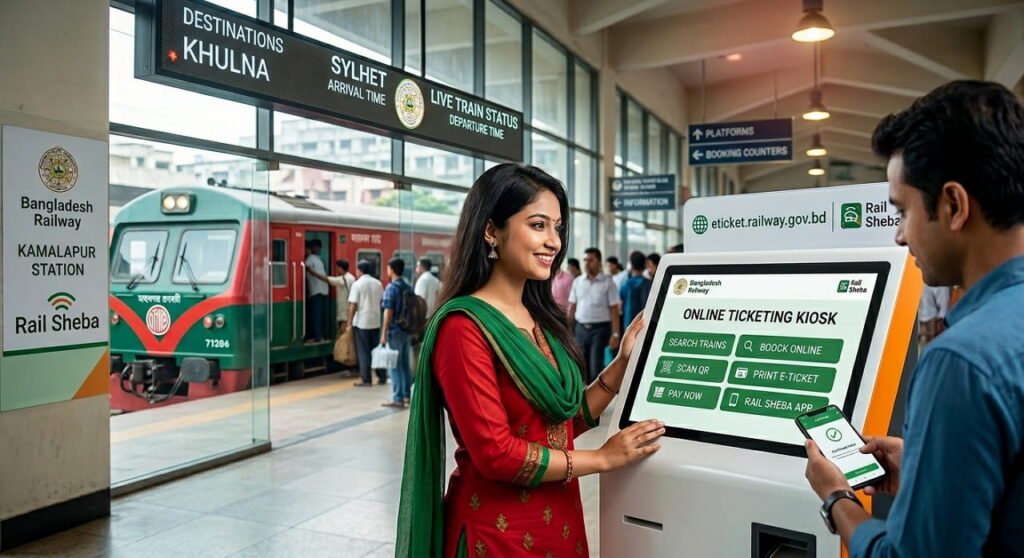
Train travel in Bangladesh has always been one of the most popular, budget-friendly, and comfortable ways to travel across the country. Every day, Bangladesh Railway serves millions of passengers with reliable train services connecting major cities. Thanks to modern technology, you no longer need to stand in long, exhausting queues at the station. Now, you can easily secure your Bangladesh railway ticket online within a few minutes.
Whether you are planning a weekend getaway or heading home for the holidays, this comprehensive guide will show you exactly how to book an online train ticket using the official rail sheba platforms.
3 Ways to Book a Train Ticket in Bangladesh
To cater to all kinds of passengers, Bangladesh Railway offers three primary methods for ticket booking:

Official e-ticketing website
Get a detailed view and book your Bangladesh Railway e ticket easily at eticket.railway.gov.bd

Rail Sheba mobile app
Perfect for smartphone users looking for a quick, on-the-go booking experience.

Station counter booking
Traditional offline method, best for commuter trains or cash payments.
Step-by-step Guide to Booking Bangladesh Railway Ticket
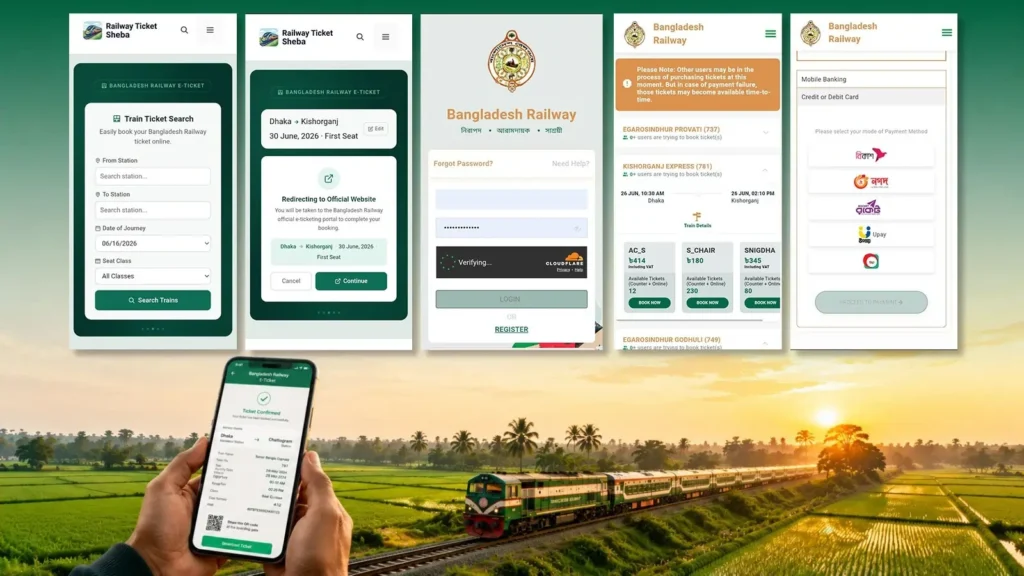
The official online ticketing portal for Bangladesh Railway is eticket.railway.gov.bd. Informational blogs like Railwayticketsheba.com can help you stay updated, but the final ticket transaction always happens securely through the official Bangladesh Railway ticket website.
Follow these simple steps to complete your purchase without any hassle:
Step 1: Open the Railway Ticket Portal or App
Navigate to the official Bangladesh Railway website at eticket.railway.gov.bd or open the official Rail Sheba mobile app on your Android or iOS device.
Important Security Warning: Always ensure you download the official Rail Sheba app published directly by Bangladesh Railway from Google Play or the Apple App Store. If passengers download fake or unauthorized apps that claim to sell train tickets, Bangladesh Railway will not take any liability.
Step 2: Enter Your Trip Details
On the homepage, you will see a search wizard. Enter the following details:
- From: Your departure station (e.g., Dhaka).
- To: Your destination station (e.g., Chattogram).
- Date of Journey: Select your travel date. (Rail Tickets can be bought online up to 10 days in advance.)
- Class: Choose your preferred seating class. Refer to the seat type guide to choose the best option for your journey.
- Click on the Search Trains button.
Bangladesh Railway Seat Type Guide:
| Seat Type | Description |
|---|---|
| AC-B (AC Berth) | AC cabin berth (Best for nighttime travel) |
| AC-S (AC Seat) | AC cabin seat (Best for daytime travel) |
| Snigdha | AC chair coach |
| F-Berth (First Class Berth) | Non-AC cabin berth (Nighttime) |
| F-Seat (First Class Seat) | Non-AC cabin seat (Daytime) |
| F-Chair (First Class Chair) | Non-AC first-class chair coach |
| S-Chair (Shovan Chair) | Non-AC comfortable chair coach |
| Shovan | Non-AC flat bench seat |
| Shulov | Non-AC wooden bench seat (Most budget-friendly) |
Note on Extra Coach Charges: If you purchase a rail ticket for an extra coach attached to the train, an additional charge of 20% for Shovon class seats and 30% for Snigdha and upper-class seats will be applied.
Step 3: Log In or Create an Account
To proceed with booking, you must verify your identity.
- Registered Users: Enter your mobile number/email and password to log in.
- New Users: Click on ‘Register’. You will need to provide your name, mobile number, email, and verify your identity using your National ID (NID) or Passport number via an OTP (One-Time Password).
Step 4: Choose Your Train and Coach
The system will display a list of available trains for your route along with departure times, fares, and seat availability.
- Compare the schedules and click Book Now next to your preferred train.
- Select your desired coach from the layout.
- Choose your specific seats from the available seat map and click Proceed.
Step 5: Secure Online Payment
Review your passenger details and fare breakdown. Bangladesh Railway supports a wide variety of secure payment methods:
- Mobile Financial Services (MFS): bKash, Nagad, Rocket, Upay, and Tap.
- Debit/Credit Cards: MasterCard, Visa, or DBBL Nexus.
Select your preferred gateway, enter your payment credentials, and complete the transaction.
Step 6: Download Your E-Ticket
Once the payment is successful, your eticket railway will be generated instantly.
- A PDF copy will be sent to your registered email address. If you don’t receive your eTicket by email, please check your Spam/Junk folder.
- You can also download your eTicket copy anytime from the Purchase History section of your account after you log in.
Tip: You can print this e-ticket or simply keep the digital PDF on your smartphone to show the ticket examiner during your journey.
Live Train Tracking Process:
The live train location service is incredibly straightforward. By sending a simple SMS, you can receive detailed information about any train in the network.
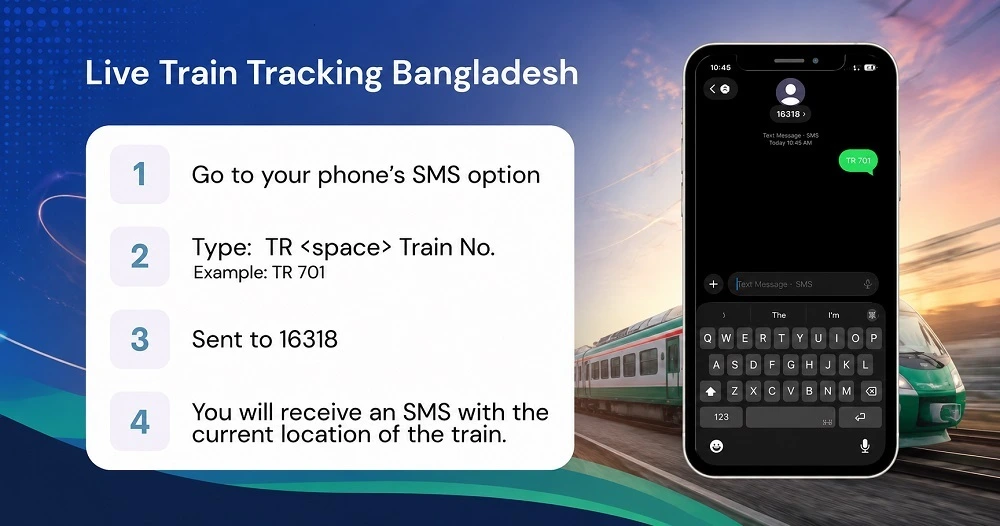
- Open the SMS/Messaging app on your mobile phone.
- Type: TR [space] Train Number (e.g., TR 701).
- Send the message to 16318.
- You will receive a return SMS providing the current location and status of the train.
Example: TR 701, Send to 16318.
Train Schedule (latest Posts)
- ঢাকা টু সিলেট ট্রেনের সময়সূচী, ভাড়া ও টিকিট কাটার সম্পূর্ণ গাইড
- ঢাকা টু চট্টগ্রাম ট্রেনের সময়সূচী ও ভাড়া ২০২৬
- বুড়িমারী এক্সপ্রেস ট্রেনের সময়সূচী, ভাড়া ও স্টপেজ (আপডেট)
- জয়দেবপুর টু ঢাকা ট্রেনের সময়সূচী ও ভাড়া ২০২৬
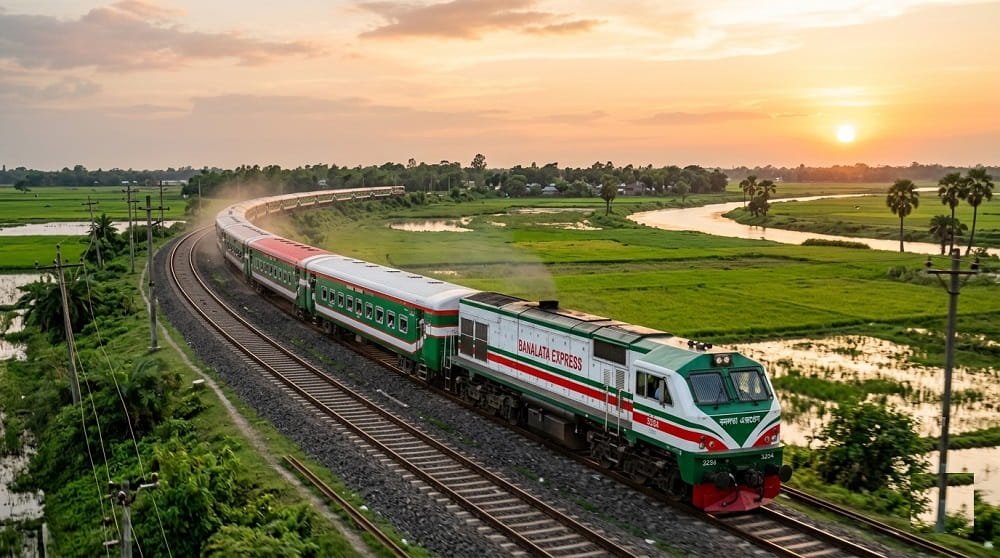
- বনলতা এক্সপ্রেস ট্রেনের সময়সূচী, বিরতি ও ভাড়া ২০২৬
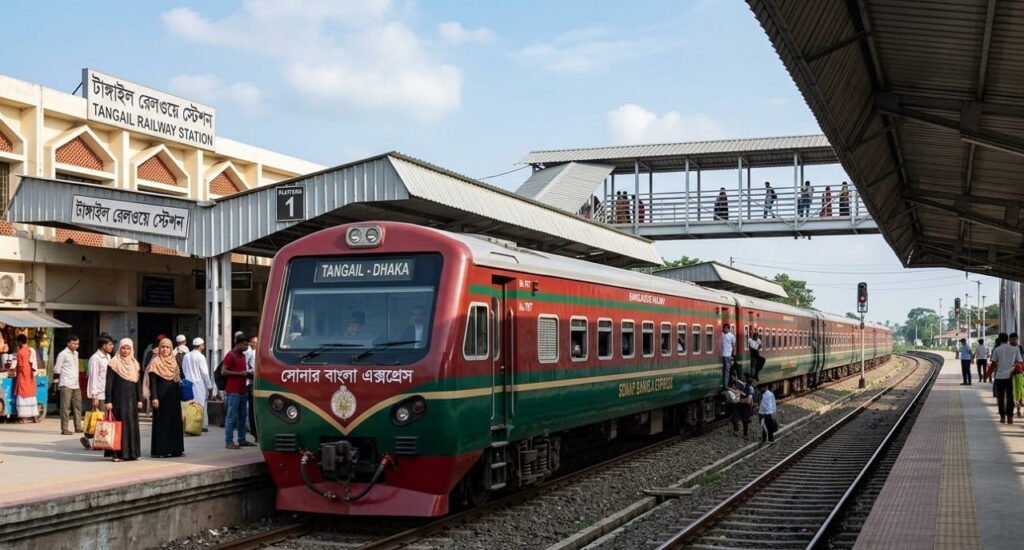
- টাঙ্গাইল টু ঢাকা ট্রেনের সময়সূচী ও ভাড়ার তালিকা ২০২৬
Failed Transactions & Refund Policy
Sometimes, due to network issues, a transaction might fail. Here is what you need to know about your money’s safety:
- Payment/Transaction Failure: In case of a payment failure where the rail ticket wasn’t issued, any deducted amount will be automatically refunded by your bank or MFS provider within 8 business days.
- Money Deducted but No Ticket: If money has been deducted from your card or mobile wallet but you have not received a ticket confirmation, do not worry. The deducted amount will be safely refunded by your bank or MFS provider within 8 business days.
Frequently Asked Questions (FAQ)
Can I get a refund for my Bangladesh Railway ticket?
Yes, online tickets can be refunded through the official portal under certain conditions before train departure. A small deduction fee applies depending on how close you are to the departure time.
Can I change my travel date after booking a ticket online?
No, you cannot directly change the date on an issued e-ticket online. You will need to refund your current ticket (subject to fees) and purchase a new online train ticket for your desired date.
What should I do if I cannot find my ticket email?
First, check your email’s Spam or Junk folder. If it’s not there, simply log back into the eticket railway gov bd portal or the Rail Sheba app, go to your Purchase History, and download the PDF file directly.
What happens if I travel without a valid ticket?
Traveling without a ticket is a punishable offense under railway law. If caught, you will be required to pay the full ticket fare plus a penalty fee, which often doubles the original cost.
Can I book group tickets online?
The online system allows a single account to purchase a maximum of 4 tickets per transaction. For larger group bookings requiring special documentation, you must visit the physical station counter.
Conclusion
Securing a Bangladesh Railway Ticket is now faster, more transparent, and more reliable than ever before. By utilizing the official eticket railway portal or the intuitive rail sheba mobile app, you can seamlessly bypass crowded station counters and plan your journey entirely from the comfort of your home.
To ensure a stress-free and comfortable train journey across beautiful Bangladesh, always use official channels. Avoid third-party fake applications and double-check your seat preferences using the seat guide.
Avoid purchasing Railway tickets from unauthorized brokers. Please procure your Bangladesh Railway ticket online exclusively from the official website: eticket.railway.gov.bd, the Rail Sheba app, or this designated platform. For any reports of fraud, kindly contact Bangladesh Railway helpline at 16334 or 02-9331700.